Remove Shortcuts
To remove a Shortcut, follow these steps:
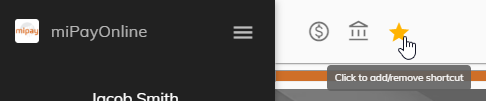
Click on the Shortcut button at the top of the screen.
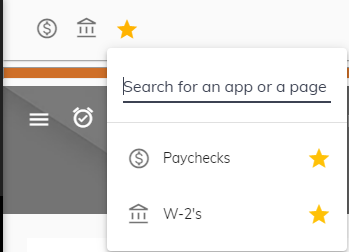
Make sure the search field is empty. The active Shortcuts will appear.
Click on the star next to the appropriate menu item.
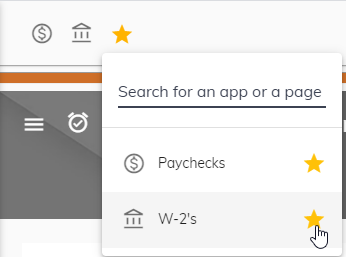
The Shortcut will then be removed at the top. Repeat steps 1 through 3 to remove another shortcut.
