Add Shortcuts
To add a Shortcut, follow these steps:
Click on the Add Shortcut button at the top of the screen.

Type a menu item in the search box. As you type, the closest match or matches will appear.
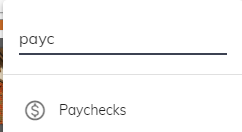
To add a shortcut, click on the menu item you would like to add.
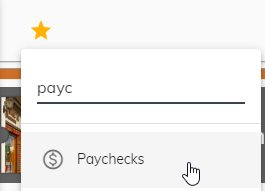
The Shortcut will be added at the top. Repeat steps 1 through 3 to add another shortcut.
