Archive Notifications
To archive one notification from your list, click on the grayed out checkmark next to the announcement you intend to clear.
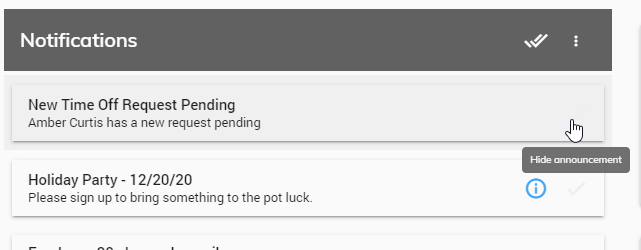
The Announcement will automatically be archived and removed from the list.
To clear all Announcements from the list, click on the Archive all announcements button.
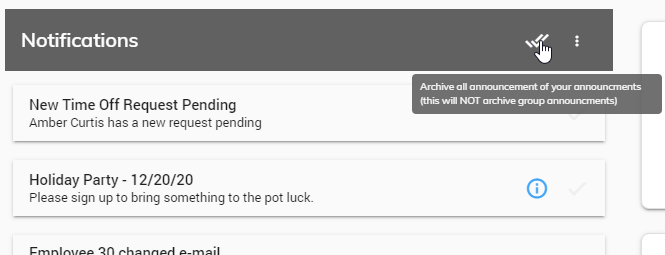
You will receive a message asking to confirm. Click Yes to archive all Announcements or No to cancel.