View and/or Retrieve Archived Notifications
You have the ability to view and/or retrieve archived notifications. To do so, follow these steps:
on the Home screen, click on the Show Archived Announcements button.
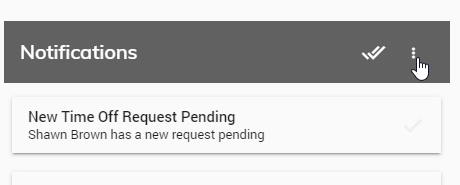
Click on Show Archived Announcements.
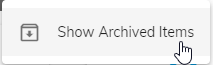
A list of all archived announcements will appear.
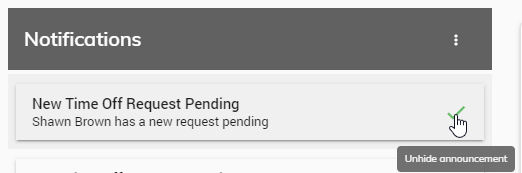
To unarchive an announcement, click the green checkmark next to any announcement. The announcement will return to being an active announcement.
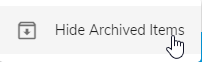
To return to your active announcements, click on the Hide Archived Announcements button.
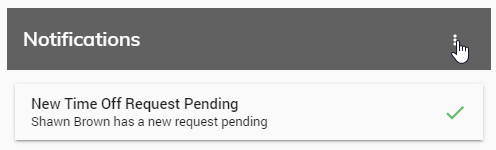
Click on Hide Archived Announcements.