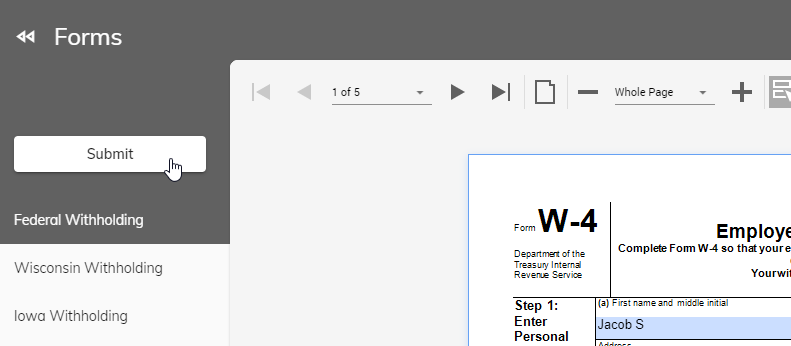
Forms
The Forms menu allows you to change your Federal and/or State withholdings. If this menu item is not available, your payroll department has chosen to disable this feature.
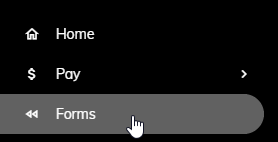
After you click on Forms, Federal Withholding and the pertinent State(s) Withholding will appear.
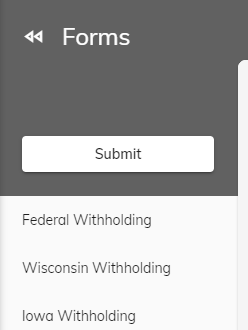
Click on either option to proceed with changing your withholdings. You will need to complete the form by filling in the information requested. Once your are complete, click the Submit button or the Print button at the top. Clicking the Submit button will send the completed form to the payroll department. The payroll department will then make the necessary changes for you.