Approve Time Off Requests
If your organization is utilizing the Time Off Request capabilities through this site, supervisors will have the ability to review these requests. The request can be approved or rejected.
To approve an employee's time off request, follow these steps:
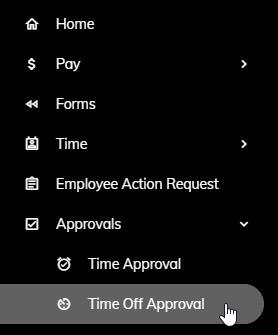
Click Approvals > Time Off Approval from the left side of the screen...
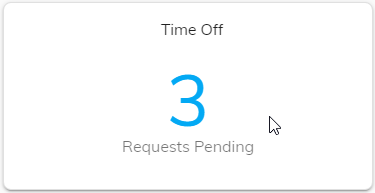
or click on the Time Off Requests Pending tile on the Home page.
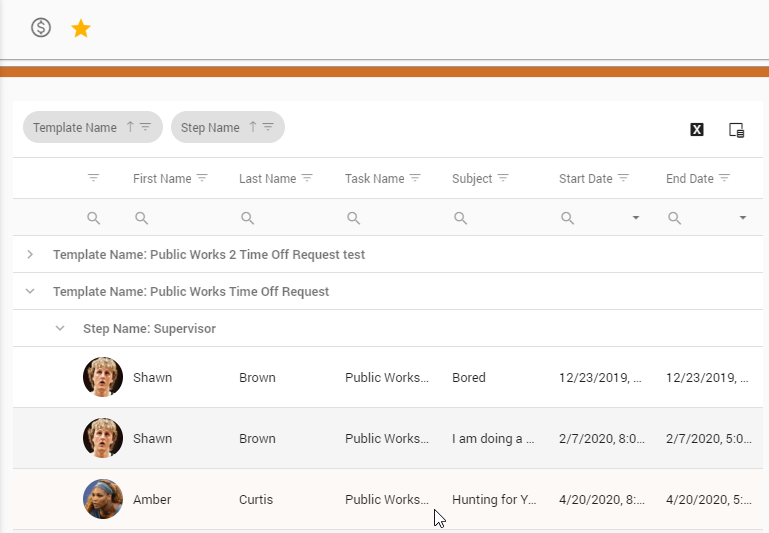
A list of requests awaiting your review will appear. Click on a request.
Information related to that request will appear.
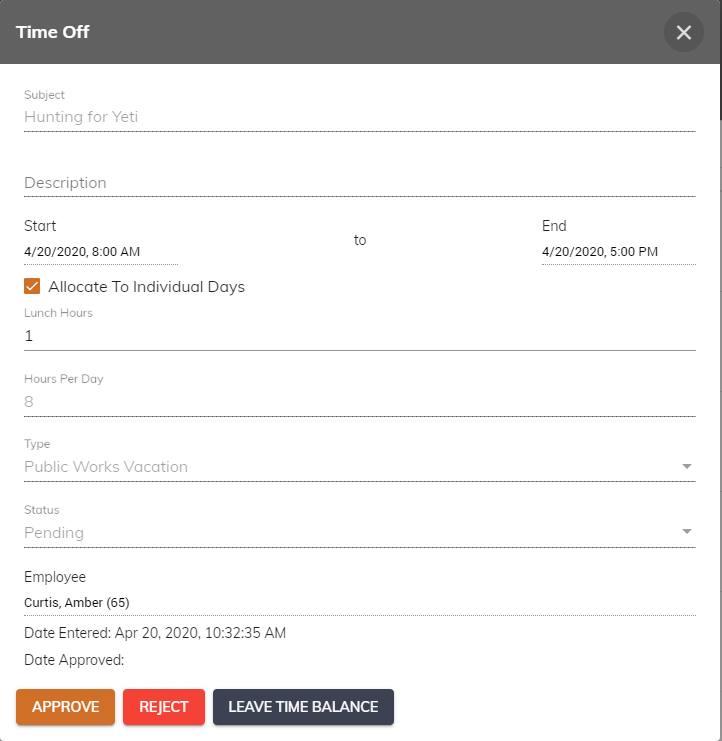
To approve the request, click the Approve button.
Note: An email notification will be sent to the requesting employee that their time off request has been approved.
Repeat steps 2 through 3 for the next request.