Approve Name Changes
When an employee changes their name, this change needs to be approved by the payroll administrator. The payroll administrator will be notified of an name change through email notification. Once the change is approved, the name change is pushed to the Payroll module and the employee's name is updated.
To approve or deny the name change, follow these steps:
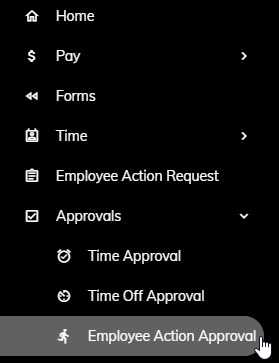
Click Approvals > Employee Action Approval from the left side of the screen.
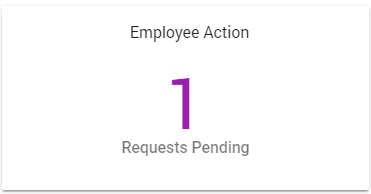
or click on the Employee Action Requests Pending tile on the Home page.
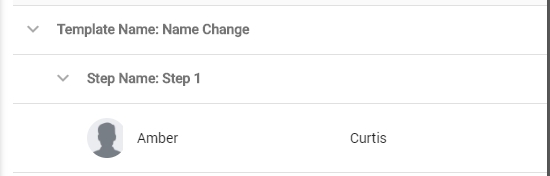
A list of name changes needing approval will appear. Click on a Name Change.
That employee's name change will appear along with what the current employee's name is at the top.
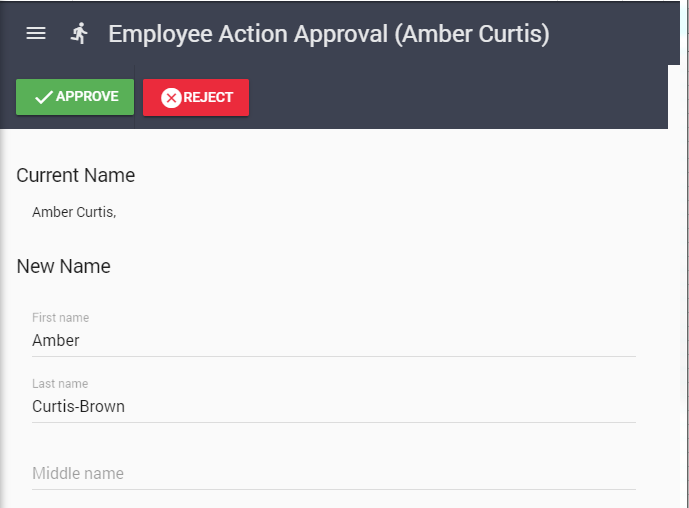
Click the Approve button to approve and push the changes to the employee record in the Payroll module or click the Reject button to deny the changes from being pushed to the employee record in the Payroll module. If you click Reject, you will be prompted to enter a reason for the rejection. This reason will be sent back to the originating employee via email and will apear in their Notifications section of their Home tab.